Mindful personalisation of digital spaces
The overwhelming amount apps and services and phone memory full. Desktop crowded with icons you barely remember to use. One service works in another browser but doesn’t in the other. Most of us have been there by some degree – drowning into a digital chaos without making a full audit to things we actually need, forgot to uninstall and replace with something else since we were too busy to look out for a better alternative.
I’ve been putting a lot of thought into combining tech with slow living this year. I want to encourage you to do a personalised digital audit by sharing how I usually go about it – hope this helps!
Your personal needs & goals for your setup
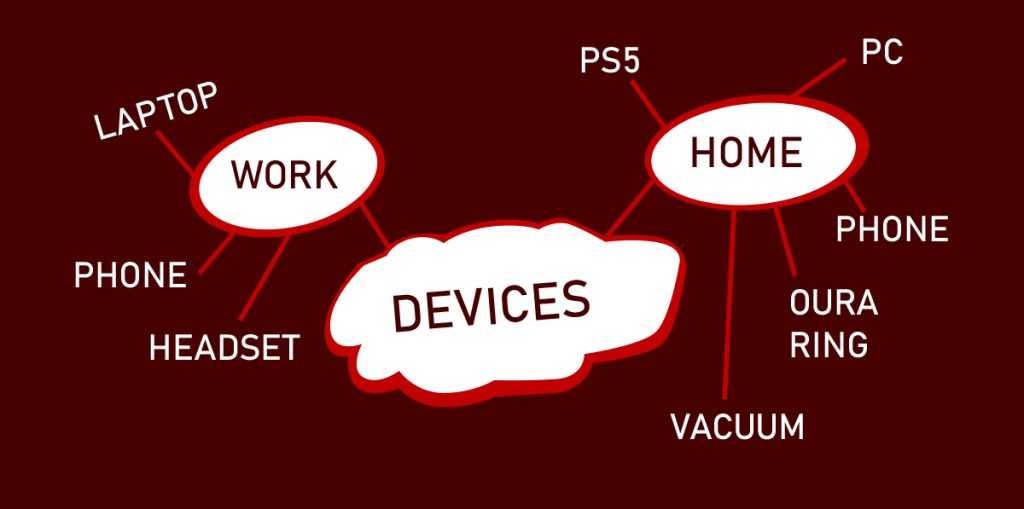
The first step is to think what is important. What do you want to achieve with tech? Phone, laptop, play station, operating systems, mart devices, car… I usually start with listing the devices. If the device won’t actually serve any real purpose anymore it can be sold for some extra cash. Christmas is coming!
Let’s use phone as an example. Write down things that you want to be able to do with your phone. This is a good opportunity to re-think if you want to discard using some apps from your daily routines.
Example of my core uses for the phone;
– Calling & messaging
– Looking for info with a browser online
– Banking services
– 2FA
– GPS
– Email
– Alarm clock
– Calendar
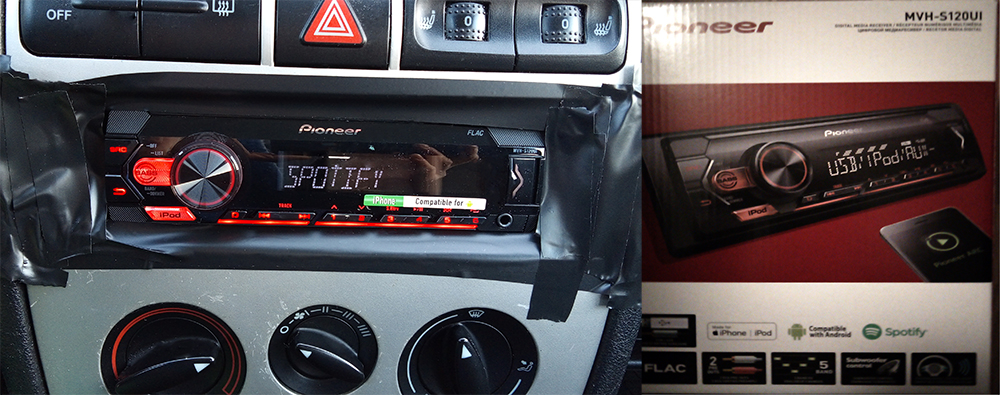
– Spotify
It’s kind of ironic that the phone use is so much more other things than actually talking to the phone nowadays.
If you’re a tech-enthusiast (hobbyist, developer or privacy-oriented person) another angle to consider is the operating system. And it’s a tricky one. What compromises are you personally willing to make so that you’re satisfied. The balancing of your privacy while considering how much convenience you’re willing to sacrifice to achieve that. I feel you!
If you want to run both Windows and Linux on your computer and have not decided how you want to go about that, check out these posts:
Choosing Winux 1/2
Choosing Winux 2/2

Remove the unneeded
What I aim at is the question of what you value and imagine you actually need. Unneeded apps act also as an excess attack vector so it’s wise to be mindful what you install and use from the security standpoint as well. And special mention to turning features off that aren’t in use! Such as Bluetooth and GPS. If I’m not using GPS, I have location turned off and if I don’t need Bluetooth at the moment, I’m turning it off too. A practice I highly recommend. I’ve also turned off notifications from most apps to silence the unnecessary stressors to improve my focus on the present. I don’t need to read every email right away. So the emphasise is also on What information you value and how urgently you need it?
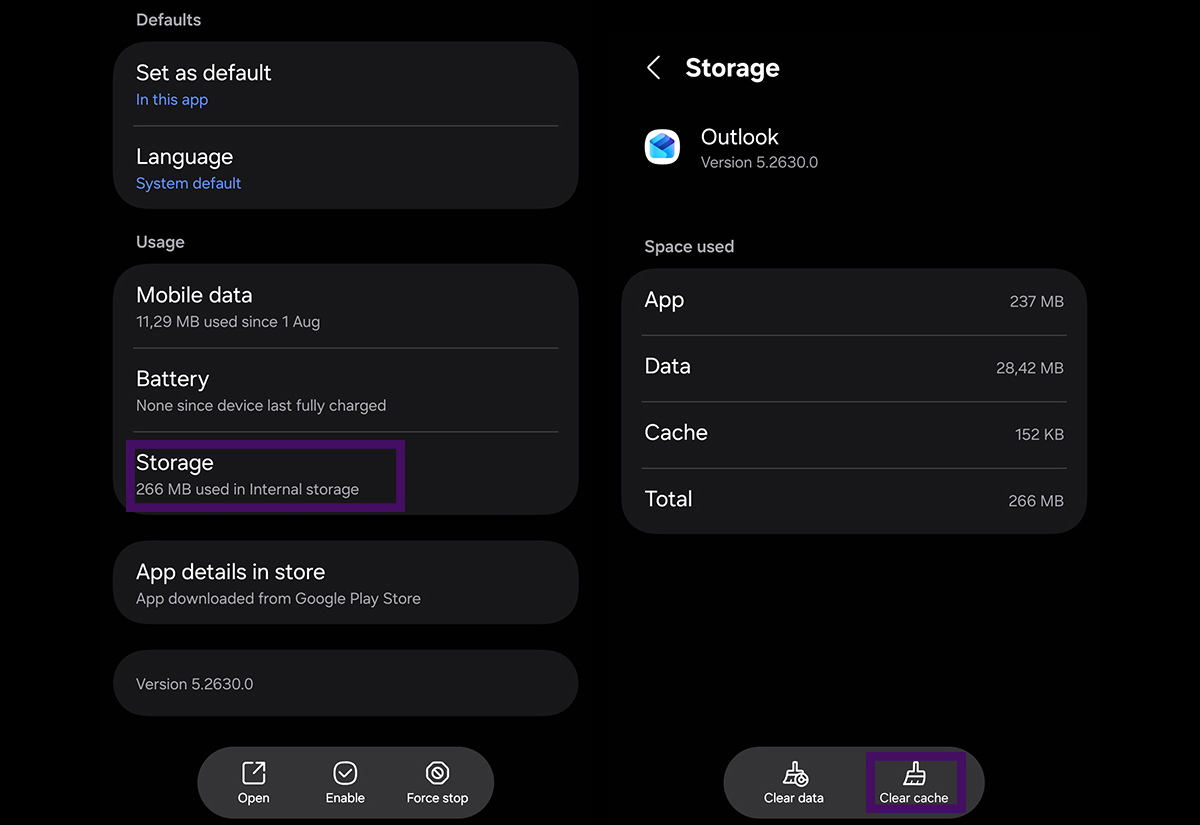
Ideas for multi-purpose setup
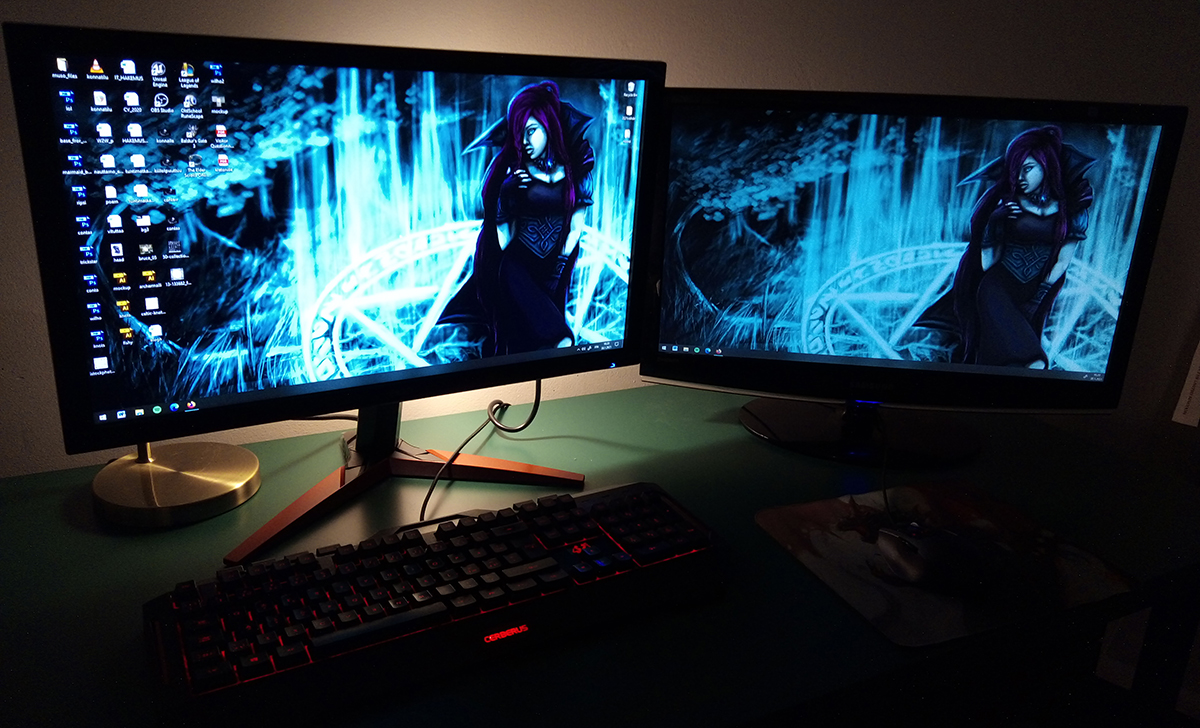
If the separation of devices is just not possible or you are stuck in one space for everything you do on computer try sectioning your digital spaces another ways. If multiple users feels too heavy you can also divide you internet usage for different browsers depending what kind of habits you have. But making an alternative user for time-off and studying is a certainly a choice and mood.
So about browsers; what do you actually need from a browser? Privacy or customisation? Plugins? You can also consider setting up a few browsers for different usecases and adjust each browser’s settings for the tasks you want to primarily use them for.
I want to include the option of organising you physical space between tasks to make the shift for a different purpose more clear. It may feel troublesome to clean up the cluster after study session is done but try taking the mug, pens and other stuff away you just used. Start fresh. You might even trick yourself to clean your keyboard when starting to organise. You deserve a cleaner mouse and keyboard.
Personalisation just for the heck of it

If you think every day looks the same and you crave change – change your background images on devices and your ringtone. I like to change background according to games I’ve enjoyed or digital art I’ve made. Movies are a classic! Change your alarm sound too just for the heck of it. The standard alarm clock sounds are really annoying. How about changing it to smooth jazz? Classical maybe? Try out different options and land for something that wakes you up in a way you prefer!
Creating playlists is fun. I often just tend to drag old ones too long without actually taking a moment to create a new one. Creating those intentionally and listening how the end of one song matches starting of the second gives the whole list a flow. It’s really satisfying when you choose a fresh playlist you’ve made for the scenario (work, gym, study..) and it really flows, gets you focused and motivates you to go on.

Optimise by organising
Preparing settings for apps and services first thing when starting to use them or after re-defining their usage saves you from many frustrations later. I know it’s a drag but once it’s done you can just roll with it on following sessions. I mean until you get a new device or re-install. But it’s still something.
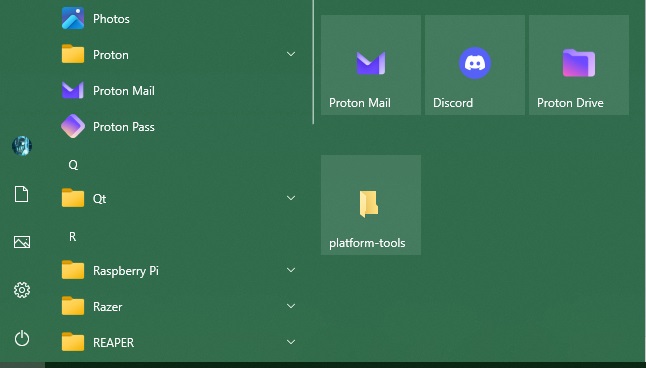
Bookmarks and folders are good a thing to evaluate every once in a while – re-organising them allows you to re-visit old ideas and to take out the trash. Navigation bar is a great tool too – I use it for programs I use quite often but don’t want to auto-start on boot. In that way I have a quick reach to open those programs but my boot isn’t delayed by all of them trying to start at the same time. The added bonus is that those programs don’t hang out in the background open all the time without me actually attending to those.
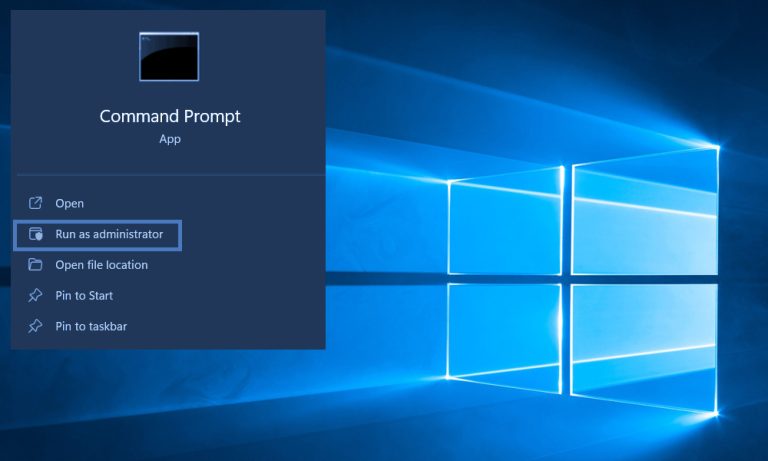
When on Windows I use Start menu for programs that I use sometimes but less often and for folders. In this way saved folders aren’t as visible and in-my-face as the icons in the action bar but still in quite fast reach without me having to memorise the exact folder locations.
Benefits of making digital audit regularly
Looking through your digital devices, app, software and habits can give you clarity on how much do you actually do the things you intend to. It can help you let go of things that didn’t work in a first place and free up space for something new. Separating your spaces and devices can help you with shifting mindset and improve your security in cyberspace. Lift up your mood. The most difficult thing about it is usually just to start and get it done. But you can do it!
This is a topic that felt hard to organise into a text but this is what has been on my mind quite lot so at least I tried. I hope this gave you some ideas how to organize or cheer up you digital space and consider your personal usage policy. Have a great day! Next song will be a banger!
Read also: Remove AI assistant from android with developer tools