
Befriend your printer: Troubleshoot invisible paper jam!
Stressed by a printer? There’s loads of memes joking about even IT people hating printer troubleshooting. My guess is that stress is caused by unfamiliarity – printers have also mechanical parts. Specifics may vary depending on the manufacturer but the principles are mostly similar. When I was performing repair service one of the most common headaches was the “invisible paper jam”. Let’s tackle it together in this article!
The invisible paper jam
The paper jam alert on screen usually means that paper didn’t travel within certain time window to the sensor. The instructions on screen may instruct to open a hatch in the printer to pull the jammed paper out. I’d like to point out that some devices don’t have sensors all the way so the same alert can also be triggered by a paper never actually leaving the paper tray in a first place.
There is an easy way to figure out is there really a paper jam (something physically) stuck inside the device or is it a time-out type of error:
Shut down the printer and reboot.
Is the error still on screen after booting?
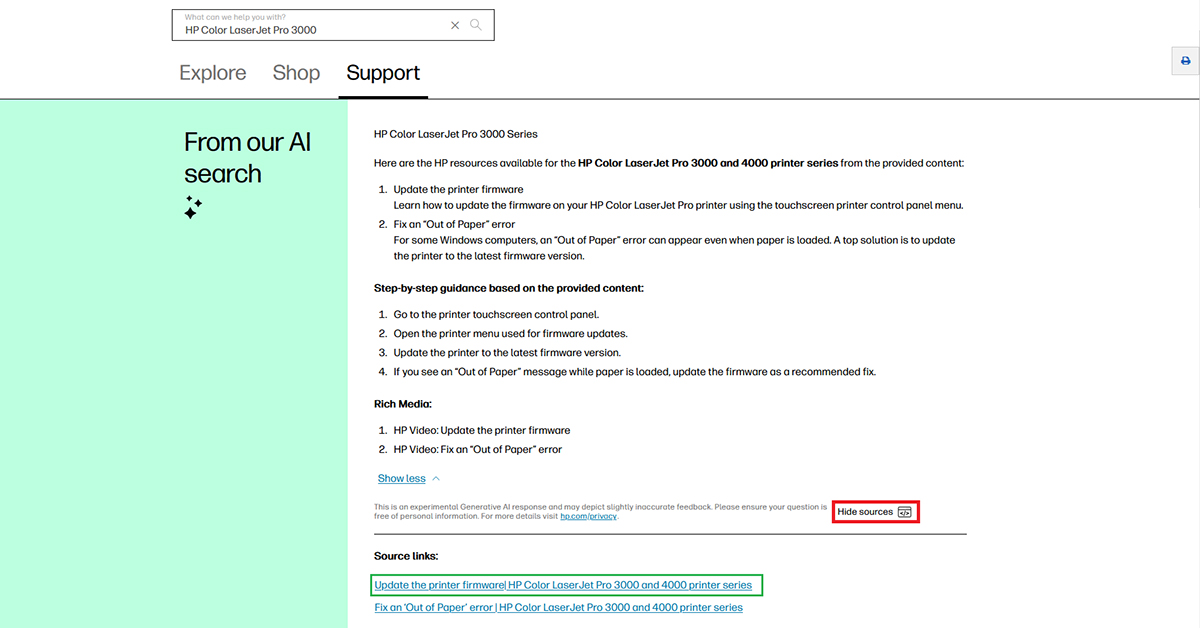
No -> Check tray lifting and firmware version
If the tray doesn’t lift the paper to the path the cause is usually worn out rollers. Smoothened rollers that don’t deliver the paper forward may have also started to make squeaking noise. Rollers get worn out after enough pages have been printed. They are usually easiest part to replace. That’s why there is roller maintenance kits available for many different printers.
If the device is under warranty or contract you can book a repair service to change them for you. If you haven’t got any warranty left you can try sanding gently the surface of the roller to make it last a little bit longer or try changing them yourself.

Yes -> There’s actually something on the paper path
The paper can be stuck directly where the hatch opens but not always. It might be hard to spot. And sometimes there has been a previous paper jam and some of the paper teared out in previous removal attempt but a bit of it stayed in the machine – a corner of the print. A tiny piece of paper can cause a new paper jam since the paper path isn’t very wide inside the machine.
Another possibility is that the sensor or rollers can be covered by paper dust so you can try cleaning it. Just make sure that printer is shut down while you’re at it. Use a lint-free cloth dampened with isopropyl alcohol or distilled water to remove dust, paper fibers, and ink buildup.
But caution: DO NOT USE CLEANERS INSIDE THE PRINTER IF YOU’RE NOT SURE WHAT YOUR DOING!
It can clean intended oil off from the cogwheels and overusing alcohol cleaners on rollers can make them crack over time. Try cleaning just the roller surface with very little cleaner.
If cleaning doesn’t do the trick and you can’t get rid of error by rebooting device check if you have warranty left or repair contract is still valid.
More about printer troubleshooting:
Befriend your printer: Colour error & image quality problems
Befriend you printer: Troubleshoot Network problems